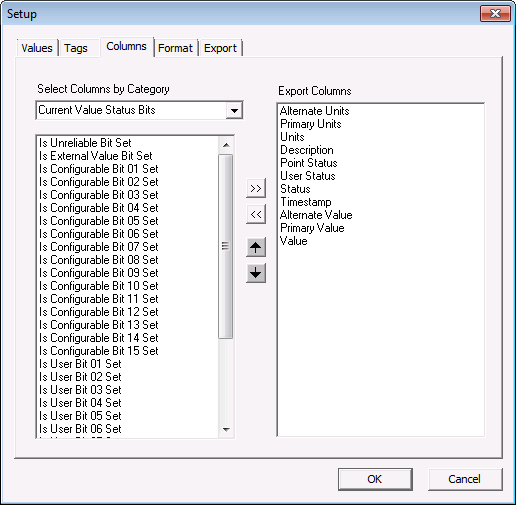
The Columns page is used to define the properties to be included in the report. Any property from a point’s configuration record, current value record, or any attribute of its facility can be included. The top-to-bottom order of the properties in the Export Columns pane corresponds to the left-to-right order of the property columns in the report.
The list of items can be modified using the shortcut buttons shown in the box.
| Button | Function |
|---|---|
|
|
Moves the item to the report. |
|
|
Removes the item from the report. |
|
|
Moves the item up in the list. |
|
|
Moves the item down in the list. |
|
|
|


